01
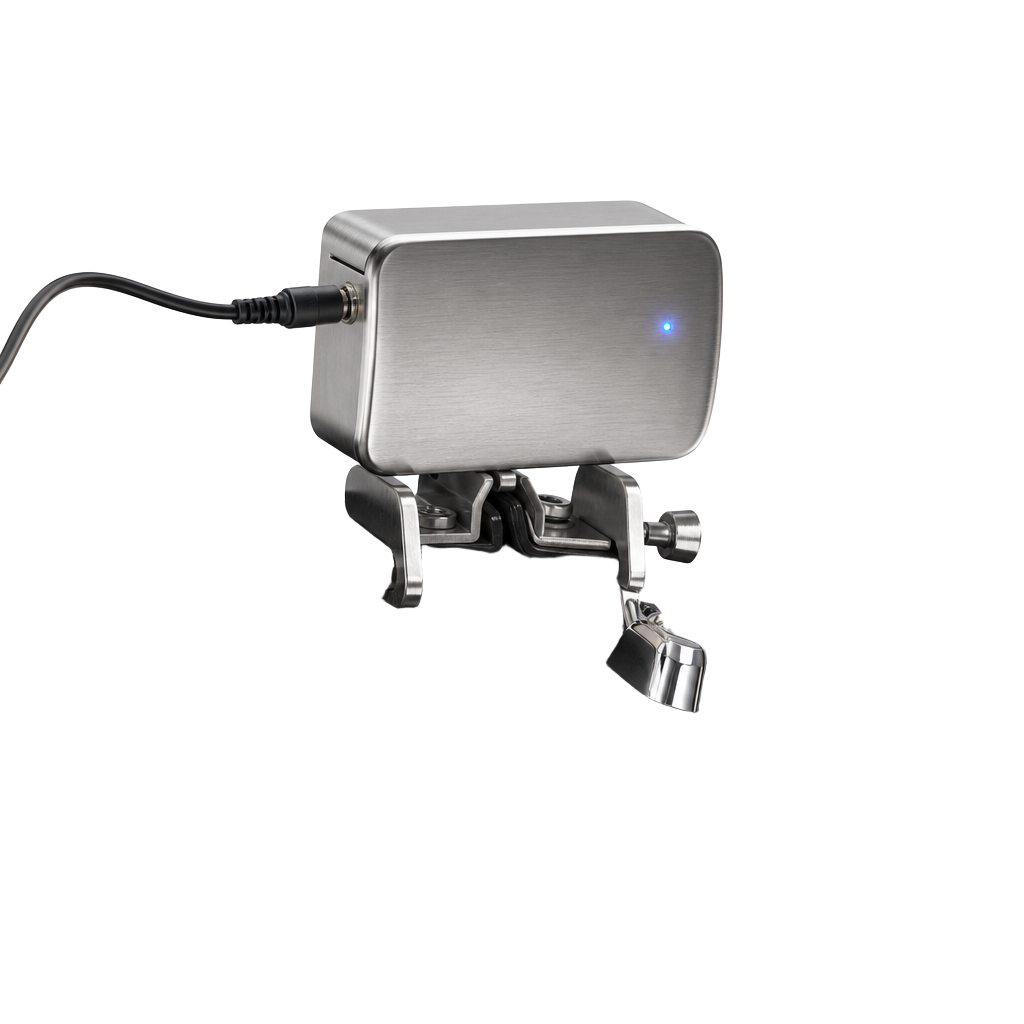
Mount the module
Clip the EAD module to your bass drum hoop. It hears the whole room and feels the kick through its built-in trigger.
Live session
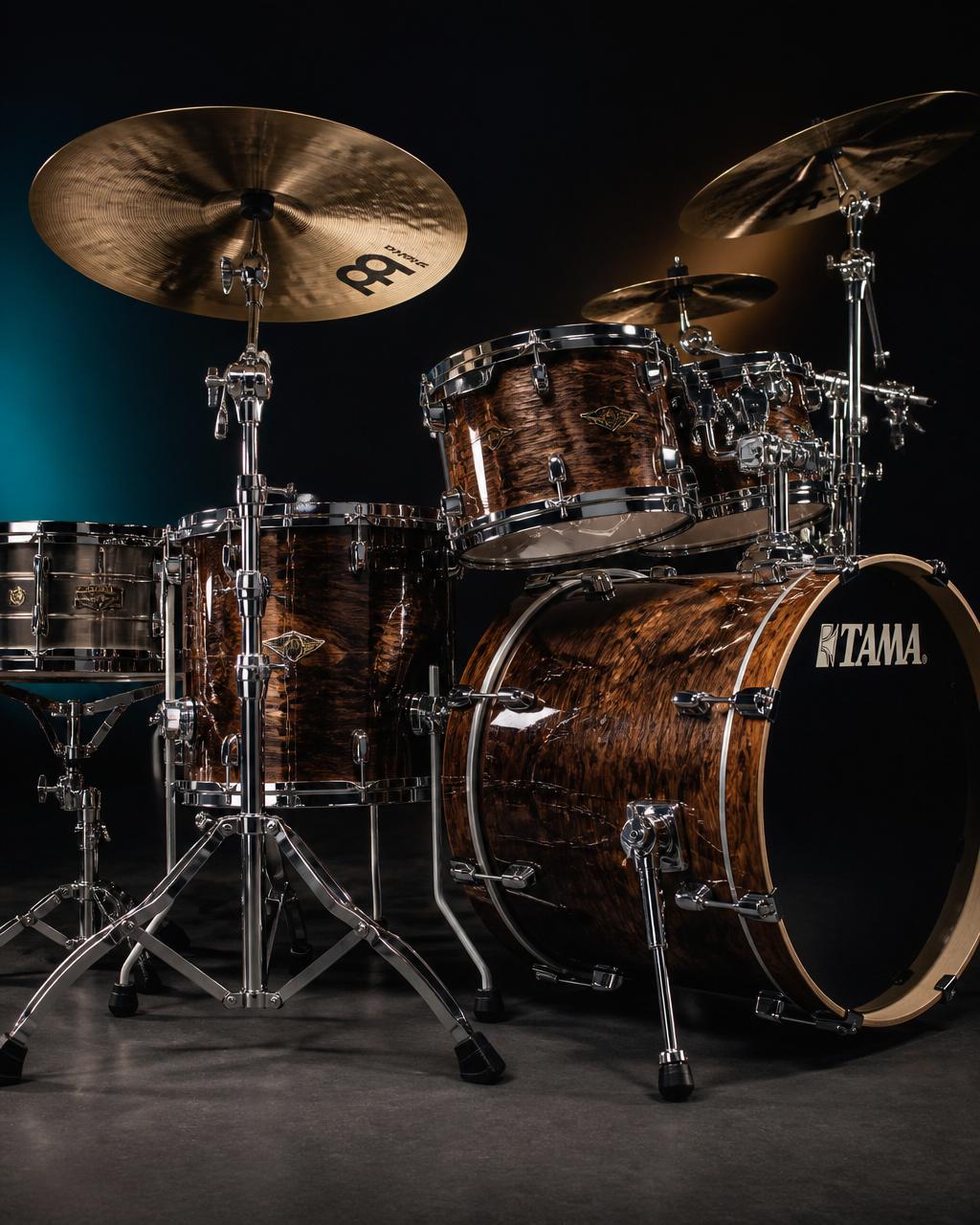
Drum Buddy isn't only headphones and screens. When you sit behind a real kit — alone or in a room full of people — this is where the take gets captured, played back and kept.
 One clean stereo take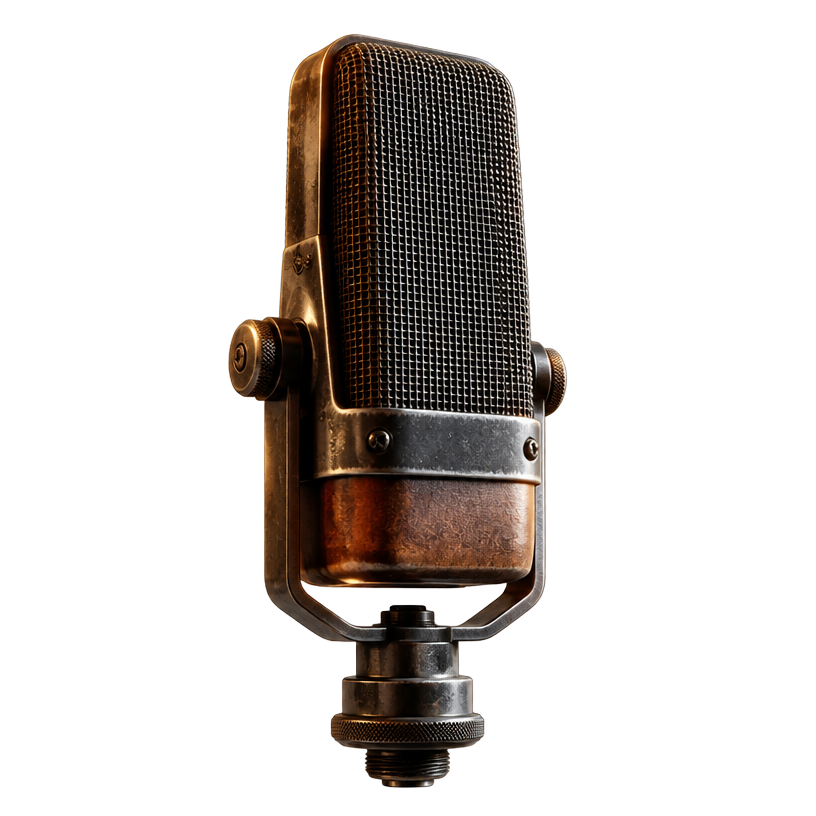
Electronic Acoustic Drums — a small module that mics your kit, adds reverb and effects, and sends one clean stereo mix out.
This is a playable stand-in for a real EAD front panel. Turn a dial, tap a part to read what it does, then hit the pads — every knob genuinely changes the sound you hear.
Tight controlled room — the default 'sounds expensive' setting.
One dial that changes everything at once. Pick a scene and your kit instantly sounds like a small studio, a big arena or a gritty garage.
Try it Step through the scenes and hit the snare after each one.
Tap a drum to hear the module
Guided demos — press play, listen twice
Clip the EAD module to your bass drum hoop. It hears the whole room and feels the kick through its built-in trigger.
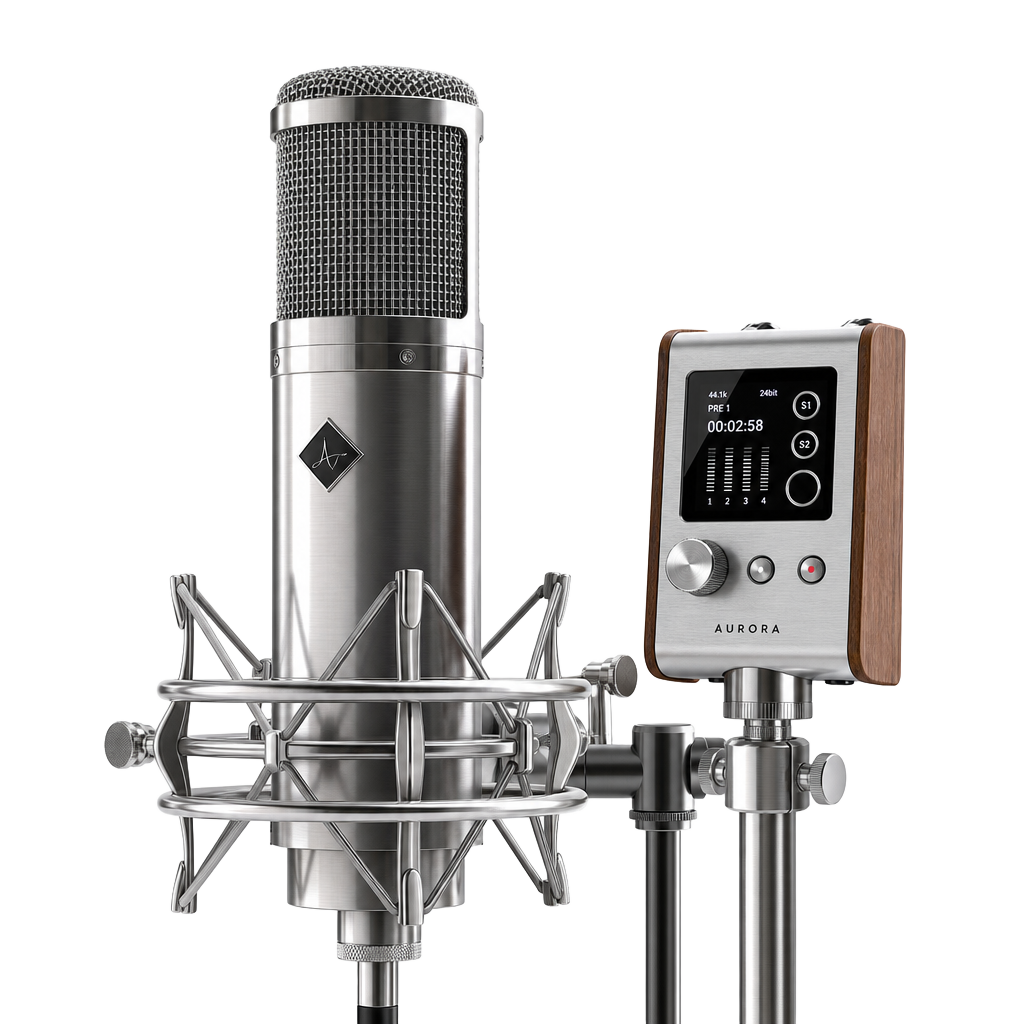
Run the module's USB or line-out into your phone. No module? The recorder will use your built-in mic instead.
Keep the kit 2–3 ft from a wall, hit your loudest stroke, and watch the level meter stay out of the red.
Takes are saved in this session only.

Open the Tempo Room on a second device so your live take lines up later.
Record three passes of the same groove and keep the one that breathes.
Room mics hear cymbals first. Back off crashes 20% so the snare sits right.
Say the tempo and groove out loud before you count in.